
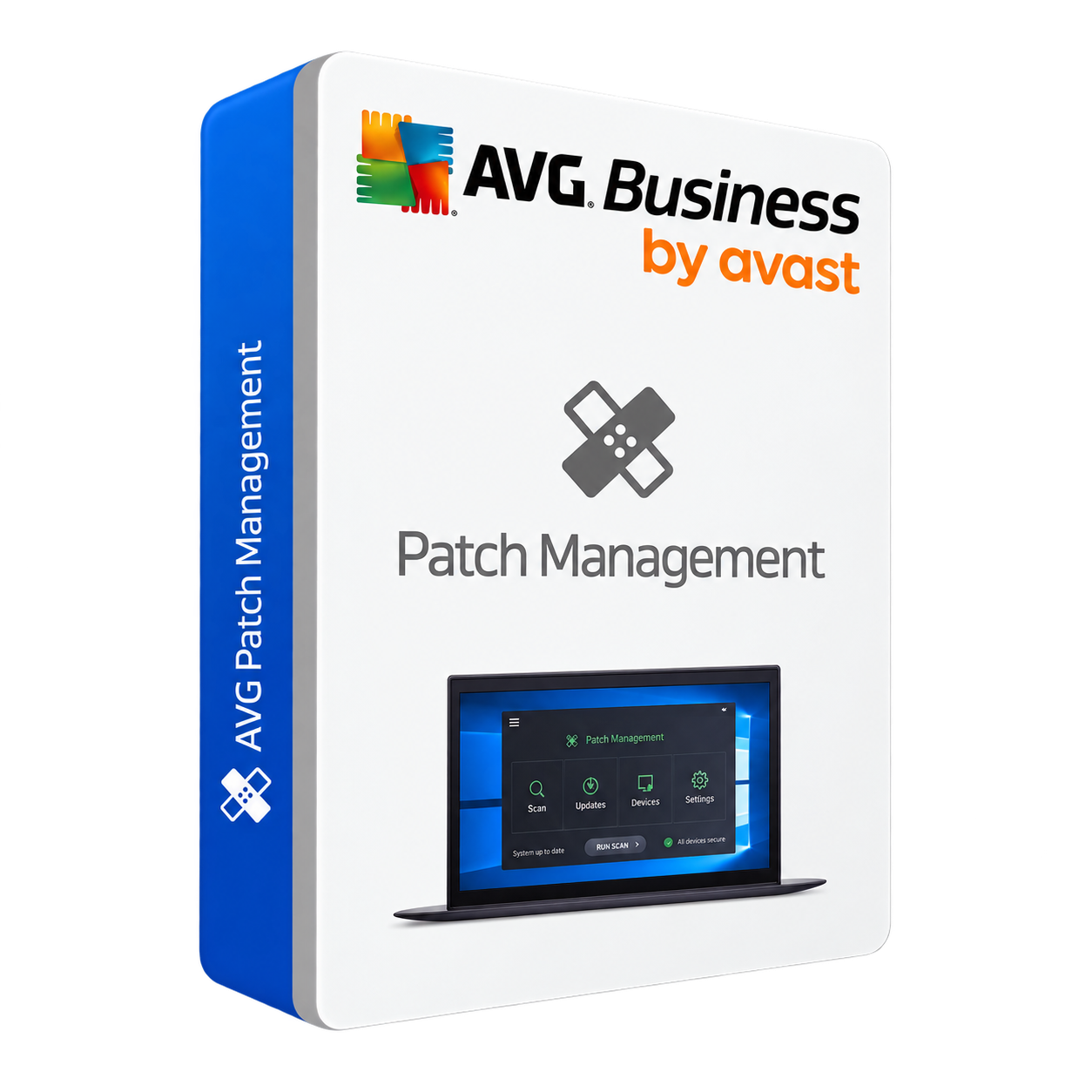
AVG Patch Management
AVG Patch Management helps identify and automate software update patches so supported applications remain current. It is designed to make it easier to find, deploy and monitor patches from a central cloud management console.
Security features designed for business use
Automated Windows and third-party software patching managed from the AVG Cloud Management Console.
Patch automation.
Reduce manual patching work and visibility gaps.
Flexible deployment schedules+
Schedule and deploy approved patches at selected times, or manually deploy them to groups or individual devices.
Automatic scans+
Schedule patch scans daily, weekly or monthly and use flexible deployment schedules for missing patches.
Customizable patches+
Choose vendors, products and severity levels to scan and install, and create application exclusions.
Thousands of patches+
Supports Windows operating systems and thousands of third-party applications.
Update Agent capabilities+
A selected Update Agent can download missing patches and distribute them to managed devices on the network.
Visibility & control.
See patch state and prioritize remediation.
Intuitive dashboard+
View graphical summaries of installed, missing or failed patches from managed devices.
Patch scan results+
Review missing patches, severity, knowledge-base links, release dates and descriptions from one platform.
Central console management+
AVG states that Patch Management is managed through the AVG Cloud Management Console.
Business outcomes.
Why a patch process matters.
Security+
Regular patching helps reduce exposure to known vulnerabilities.
Efficiency+
Automation can reduce cumulative downtime and schedule updates outside peak working hours.
Compliance+
Patch visibility can support organizations working to meet regulatory or industry expectations.
Optimization+
Software updates may also deliver feature, stability and functionality improvements.
Scan. Deploy. Review.
AVG describes a simple three-stage patch workflow managed from the cloud console.
Scan devices
Schedule automatic patch scans using daily, weekly or monthly options.
Deploy patches
Deploy patches automatically while excluding applications you do not want patched.
Review dashboard
Review missing patches, installed status and severity information from the central console.
Current platform information
Always confirm compatibility for your exact environment before ordering.
Platform focus
AVG markets this product as Patch Management for Windows.
Management
Patch Management is managed from the AVG Cloud Management Console.
Compatible software
AVG states support for Windows operating systems and thousands of third-party applications, with examples including Zoom, Adobe Acrobat, Salesforce and Dropbox.
Recommended practice
AVG recommends scheduling patches to minimize disruption and using patch management as part of a layered security strategy.
Review the official product information
Current feature information on this page is based on AVG’s official Patch Management product page.
Need help with AVG licensing?
Tell us your device count and business environment. AYZEN Digital can help you identify the most suitable B2B option.
Contact AYZEN Digital →